Lets make this easy, our first vibe code is going to be an html request with Claude.
Open up your web browser, it doesnt matter which one, Chrome, Edge, Firefox and go to this website – https://claude.ai/login
And go ahead and use your email or a Google account, I recomend your Google account.
You shoulod be presented with a screen something like this :
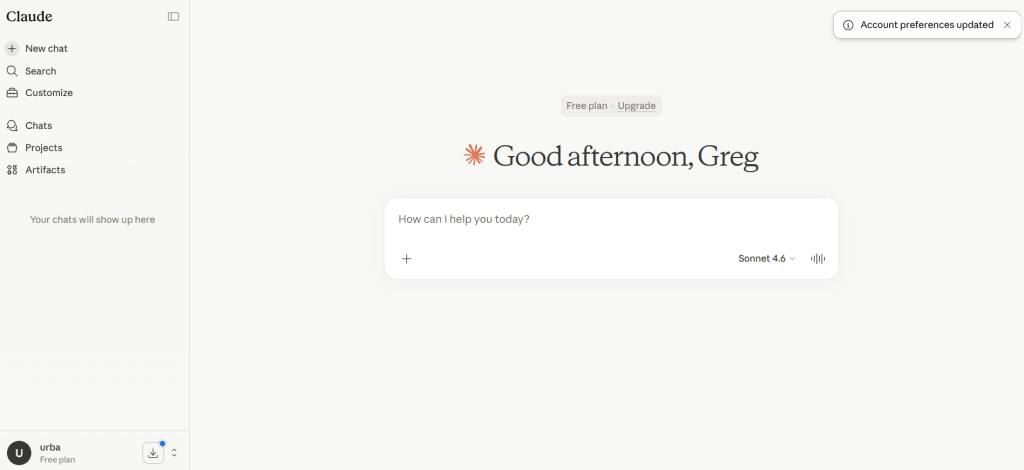
Below is your prompt, copy and paste this into white box in the middle of the page where your see”How can I help you today?”
Create code for hello world in html.
You should see a result similar if not the same as this:
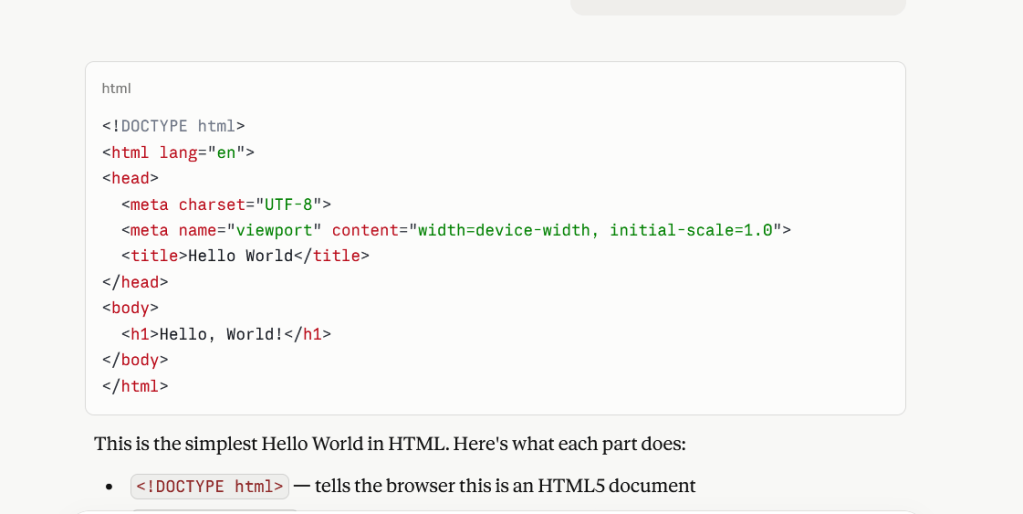
Open Notepad on your computer (assuming you are on a Windows pc).
Copy and paste the code from Claude into Notepad, like this:
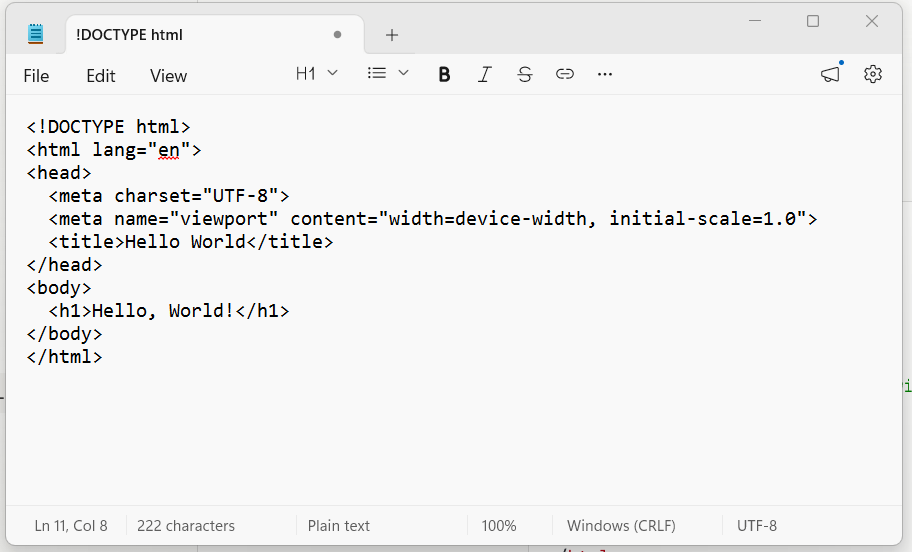
This is an important step, click on “File” and select “Save As” , when the dialog opens, select “All files” in the “Save as type” dialog box.
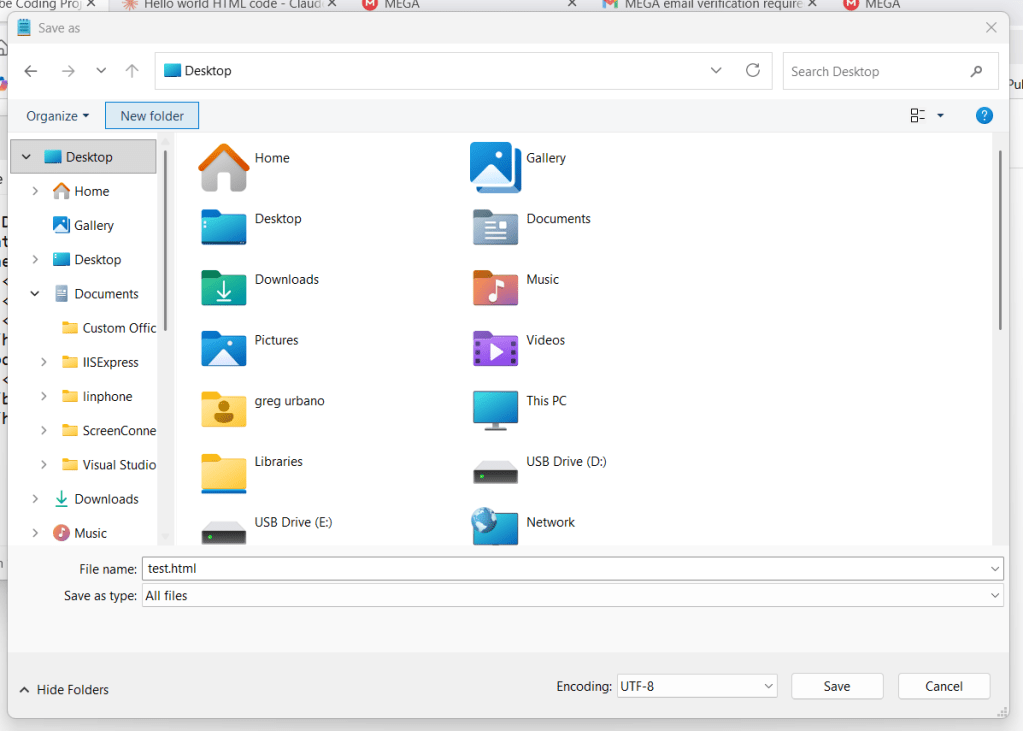
Make the file name “Test.HTML” , make the destination your desktop for ease of use.
Failing to change the save as type will just create a text file on the desktop.
It should create an icon like this:
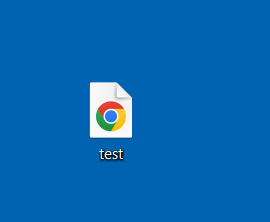
My default browser is chrome, so the icon reflects that.
Double click on the file.
It should open in your default browser like this:
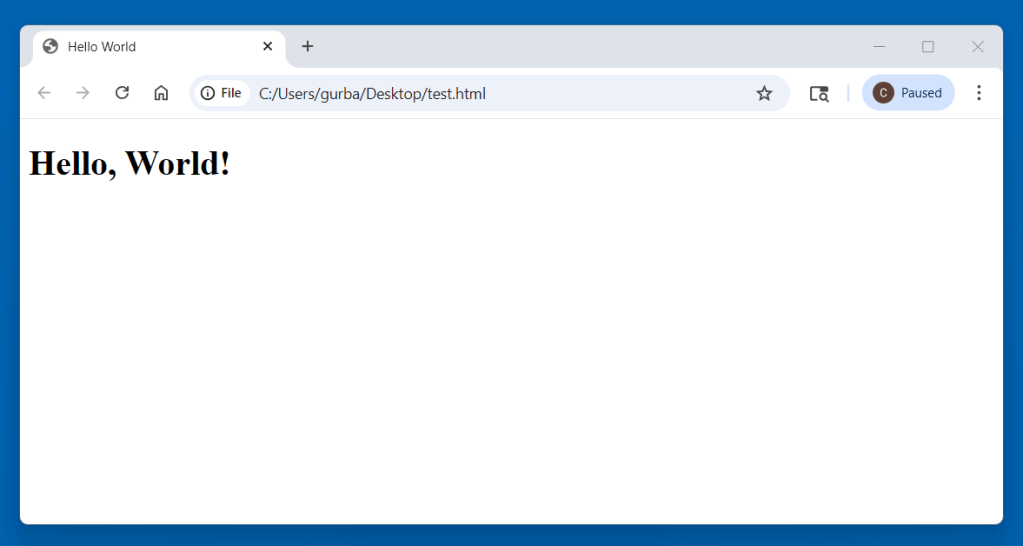
Congratulations, you have just “Vibe Coded” your first html !
Click Here-
https://mega.nz/file/5Y9nmCqR#SabbQG89hTM4sBgZhYGe3v8Cv5_yWAASd3B337esVC0
to download the html file I created, at the end of every project post i will have the result available for download.

 My Vibe Coding Projects