A lot of these things you can Google and find out, or have the chabot put into the guide, but here is a quick take on publishing your C# projects into .exe standalone executable programs.
Lets take our last project the windows network scanner.
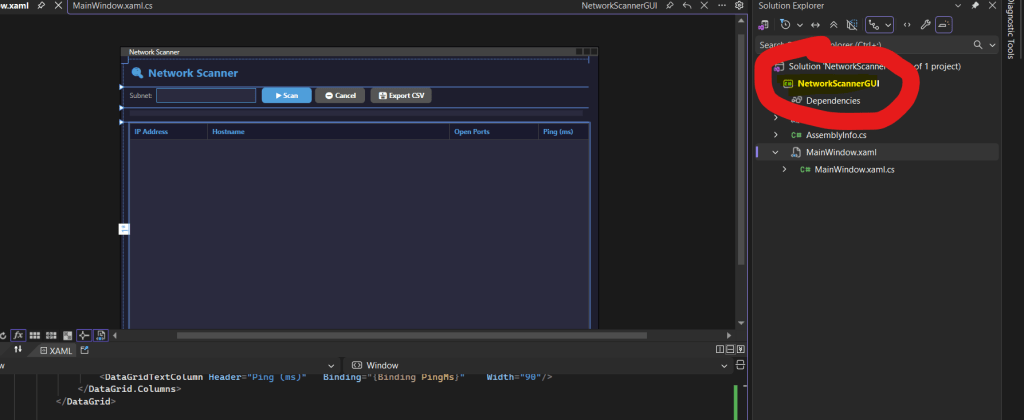
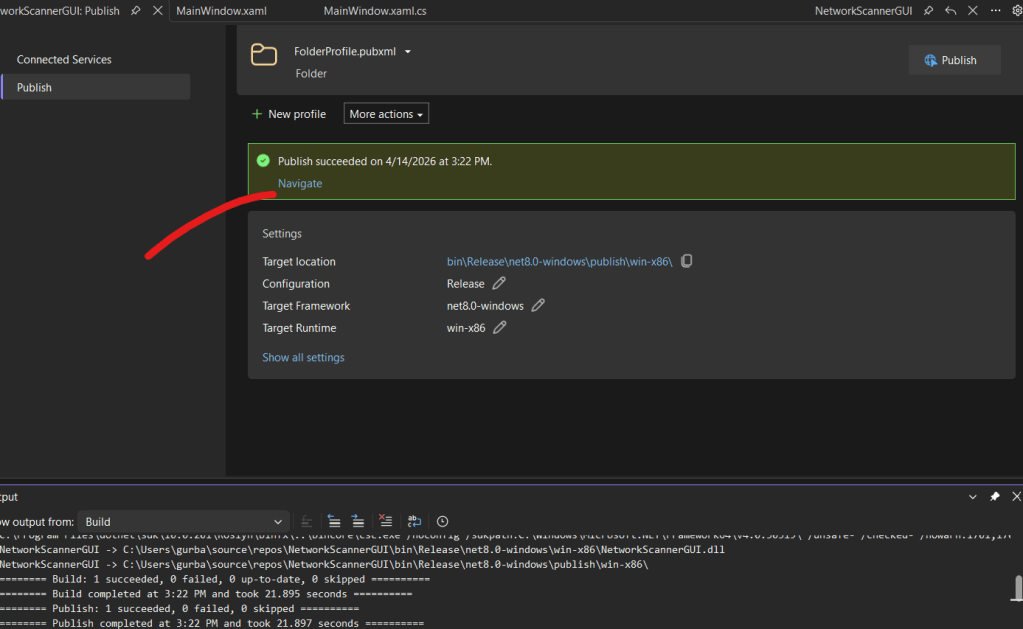
Find your project in the right hand colum and right click, find “Publish” , click to open this page –
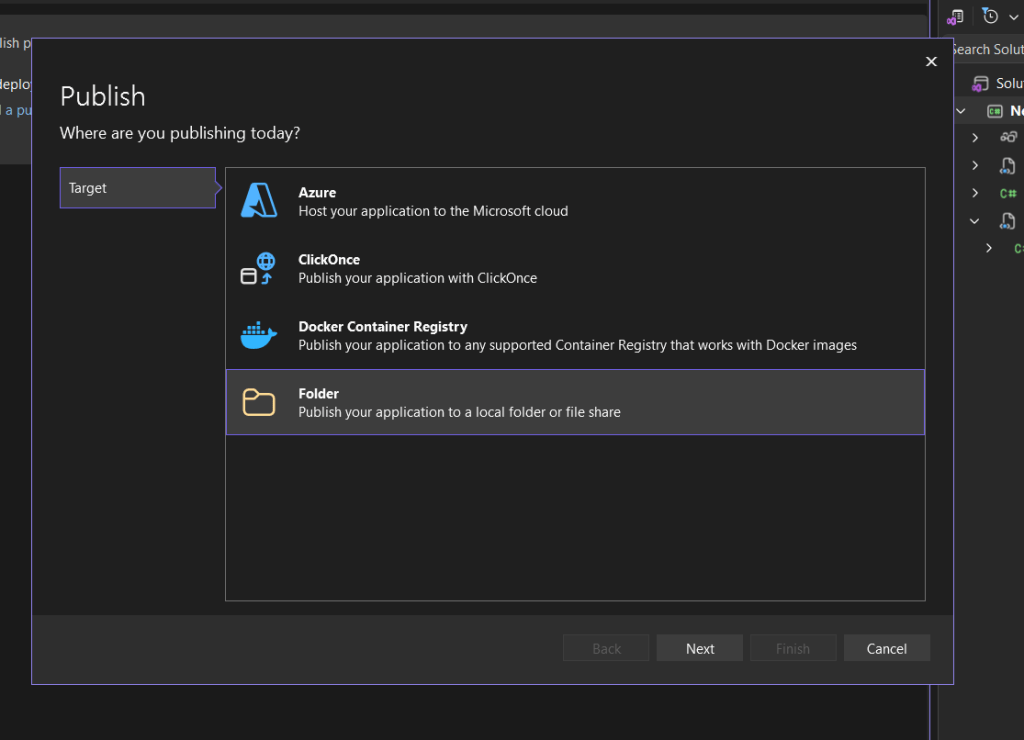
Choose folder, next, choose folder again, next, you can change the folder location if you want, i leave mine at the default, click “Finish”.
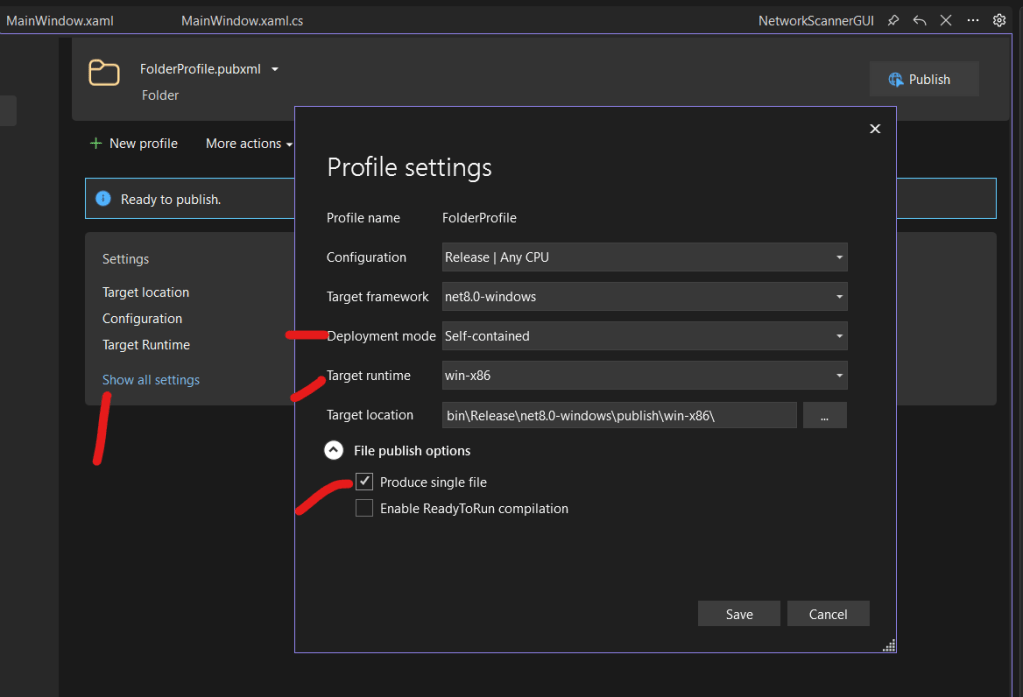
Click “Show aal Settings” , change deployment to self contained, win-x86 is a good choice and then produce single file.
Click Save then Publish, it will take a bit.
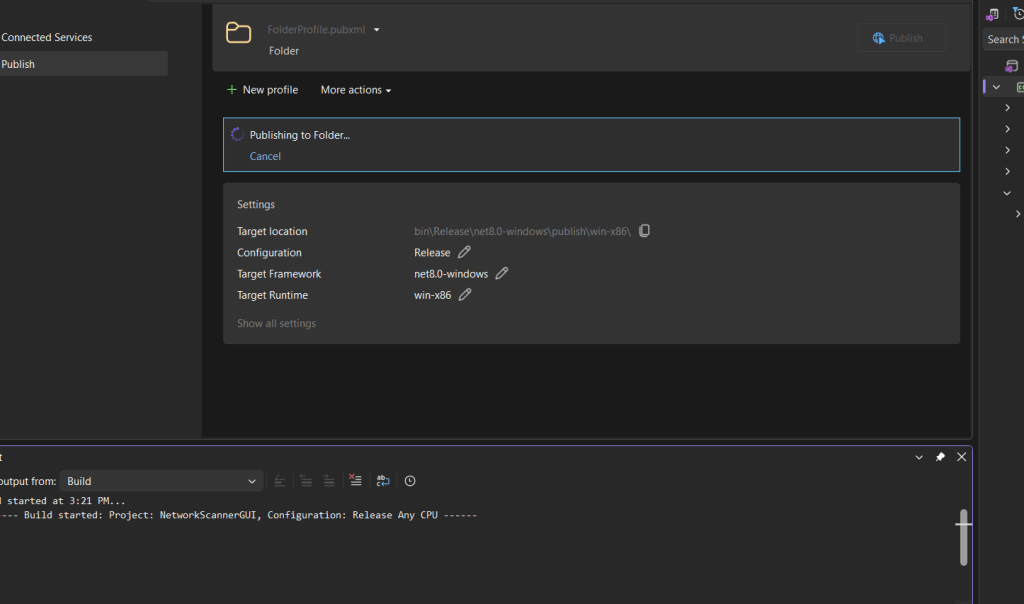
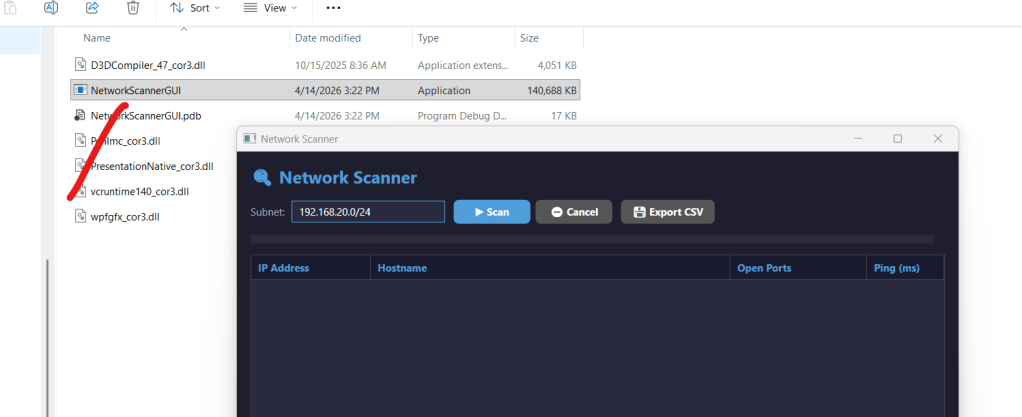
When it finishes, click on Navigate to open the folder location, find your application and double click to run!

 My Vibe Coding Projects