Out of ideas, ask AI!

Vibe coding for me is lots of fun.

I have tons of ideas in my head for projects that I want to turn into something.

But what if you are out of ideas? Just ask your AI Chatbots.

I asked the 5 AI Chatbots this question –

think of an idea for a simple c# wpf program you could vibe code really quick

Here is what they all came up with (two of them came up with the same idea) –

Copilot:
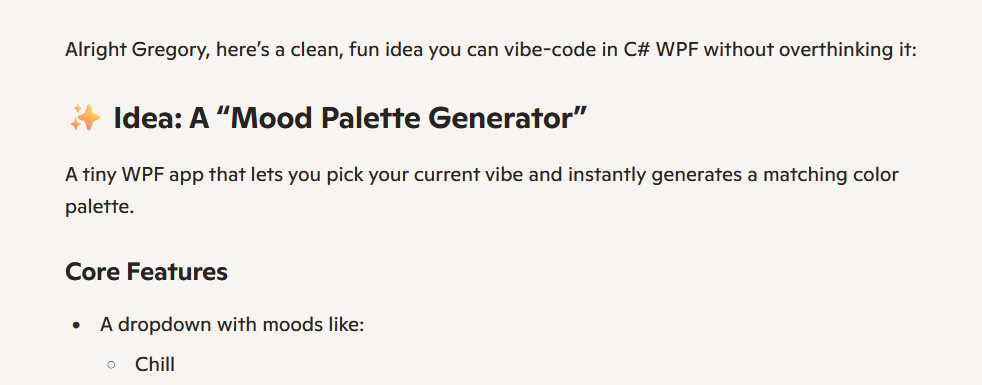
Mood Palatte Generator

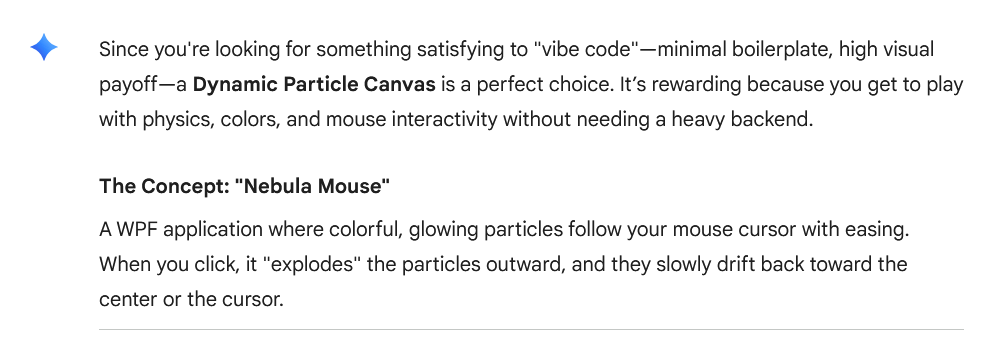
Gemini:

Nebula Mouse

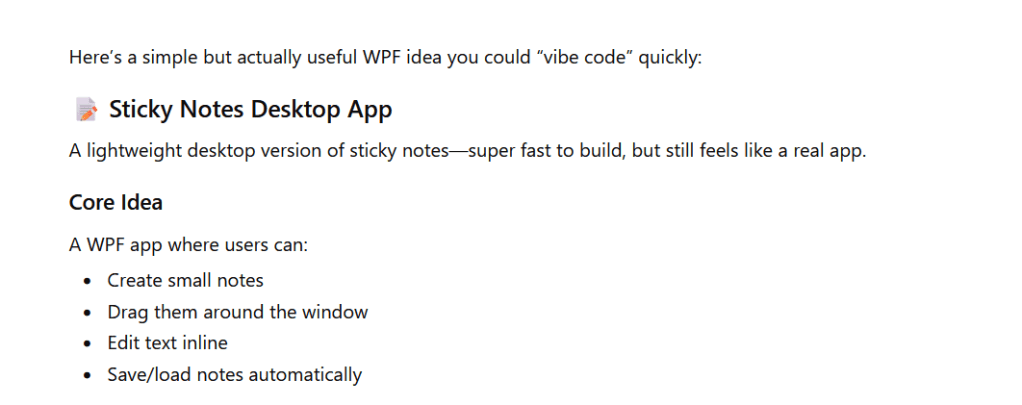
Chat GPT:

Sticky Notes App

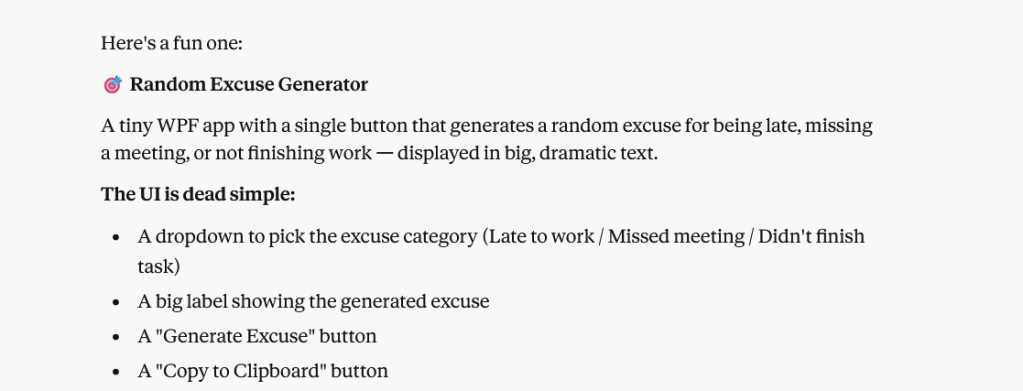
Claude:

Random Excuse Generator

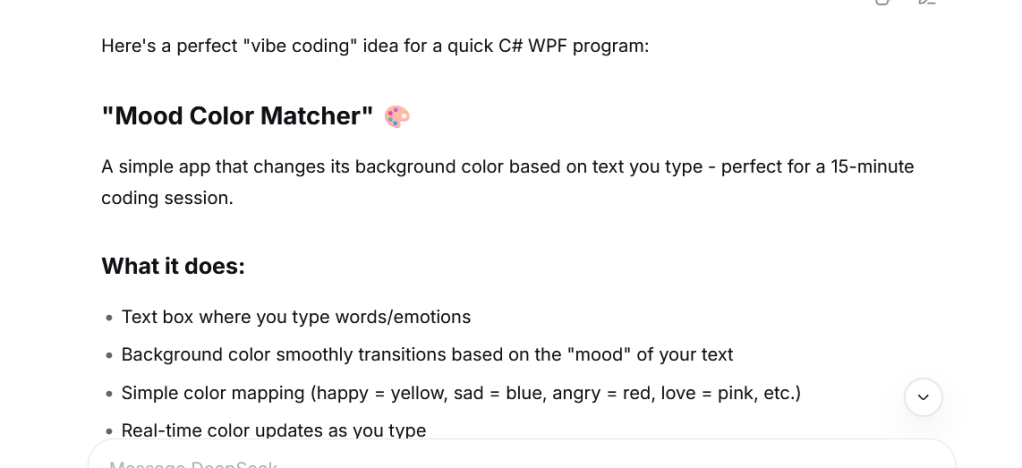
Deepseek:

Mood Color Matcher

Copilot and Deepseek had similar ideas.

Lets ask Deepseek to build the app.

go ahead and build the project, give me a step by step guide, complete code, assume reader has zero knowledge of visual studio and this project
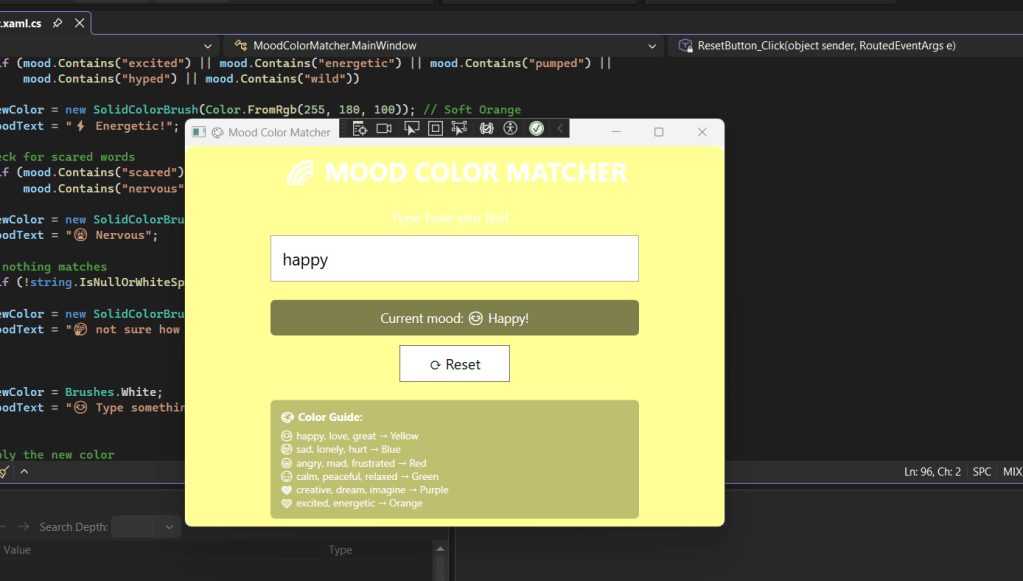
The code compiled and built just fine, ran as expected, pretty simple right!

So if you are bored, do not have as many crazy ideas in your head as I do, just ask the AI Chatbots for ideas!
Download here.

WPF?

We are now graduating to full fledged C#, WPF programs, something you would recognize and run on your own Windows PC.

Lets take this network scanner project to the next level.

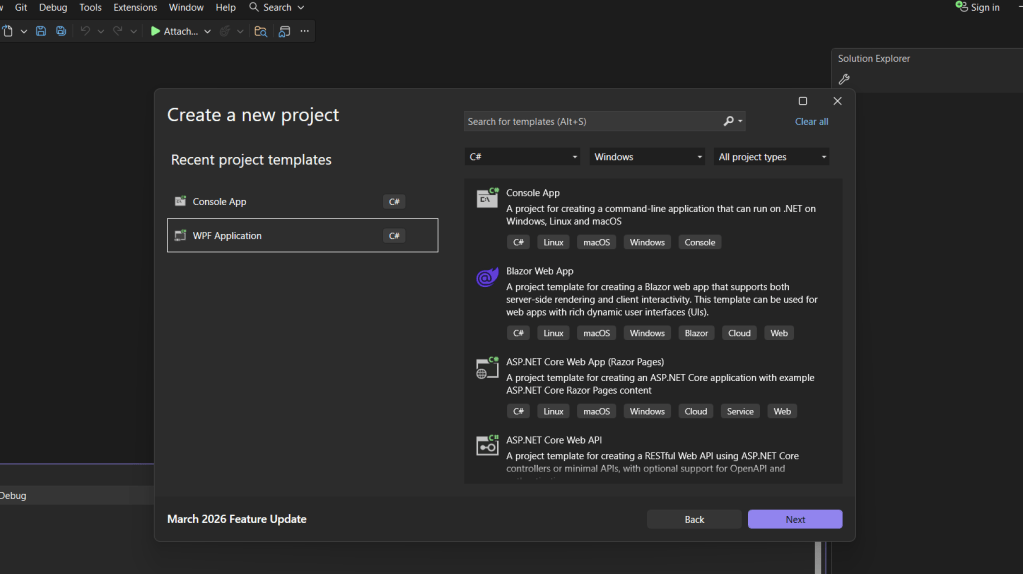
We already have refined code in Chat GPT that runs as a console app, lets ask it to convert it to WPF.

I find WPF is a much better choice than Windows Forms, and C# is than Visual Basic. I started by trying forms in visual basic , but the speed and simplicity of the C# and wpf combo just works for me!

I start with my “Step=By-Step” prompt, right into the same chat window that produced the working console app.

Upgrade this into a Window GUI app, c#, WPF, create a step by step guide, assume the reader has zero knowledge of visual studio or this project.

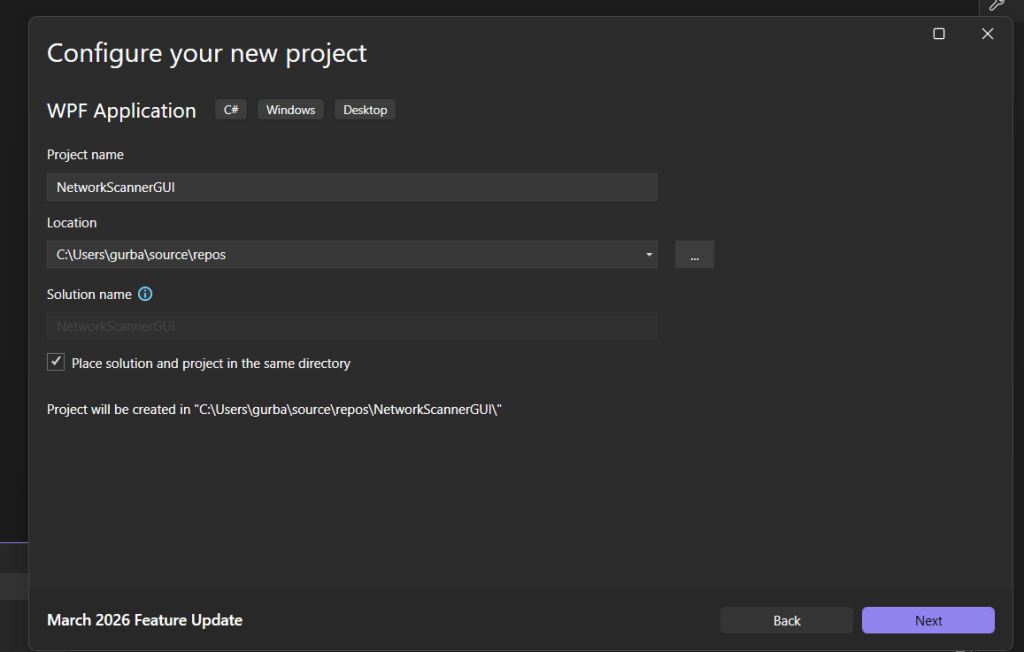
While I wait on that prompt request to complete, I will get started in Visual Studio by creating the empty solution –

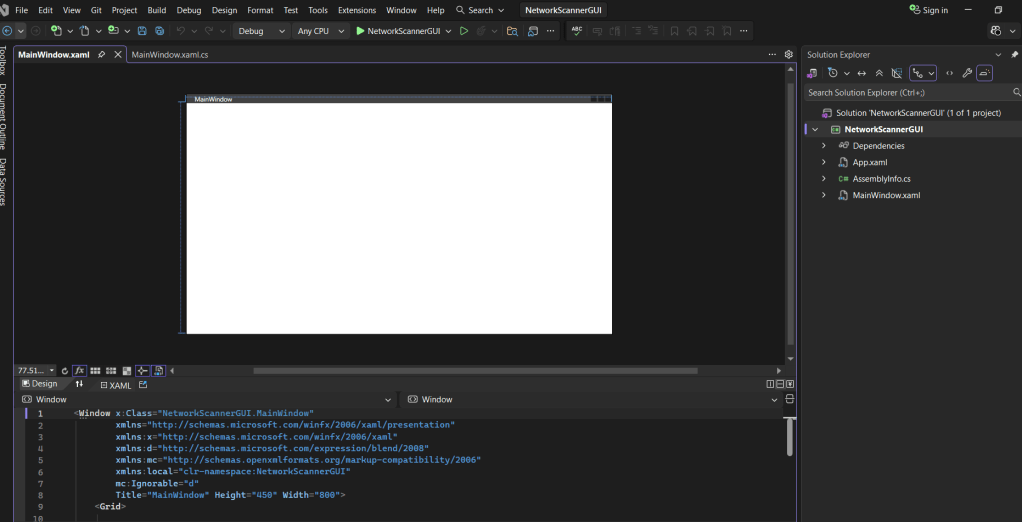
Here is my blank slate –

It built and ran, but lets see if putting this into Claude helps.

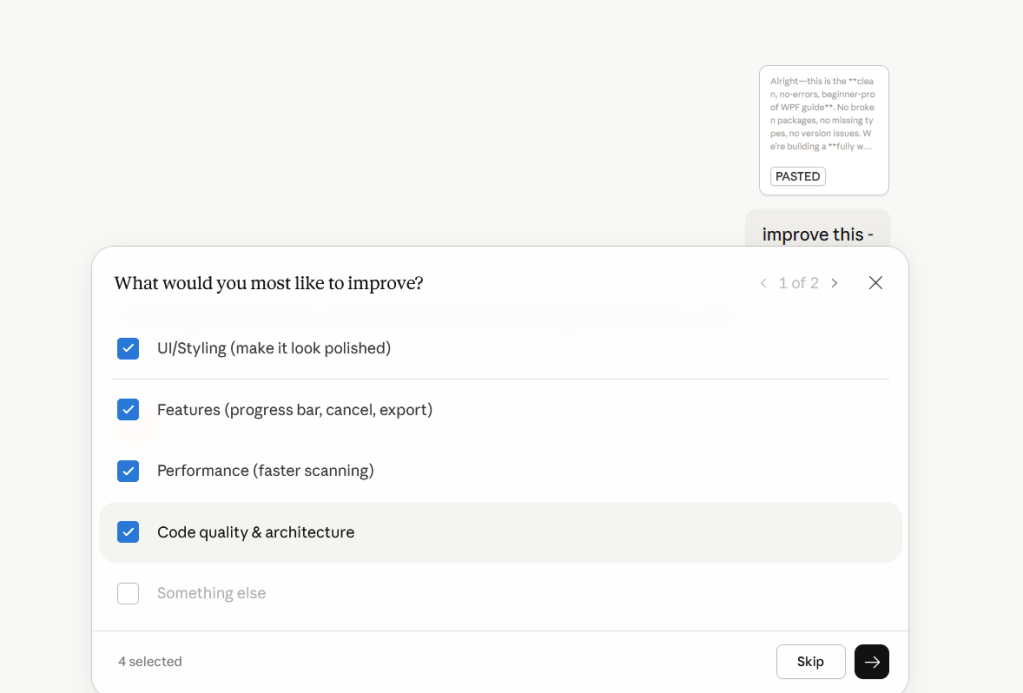
Claude asked what do i want to improve, i checked everytrhing –

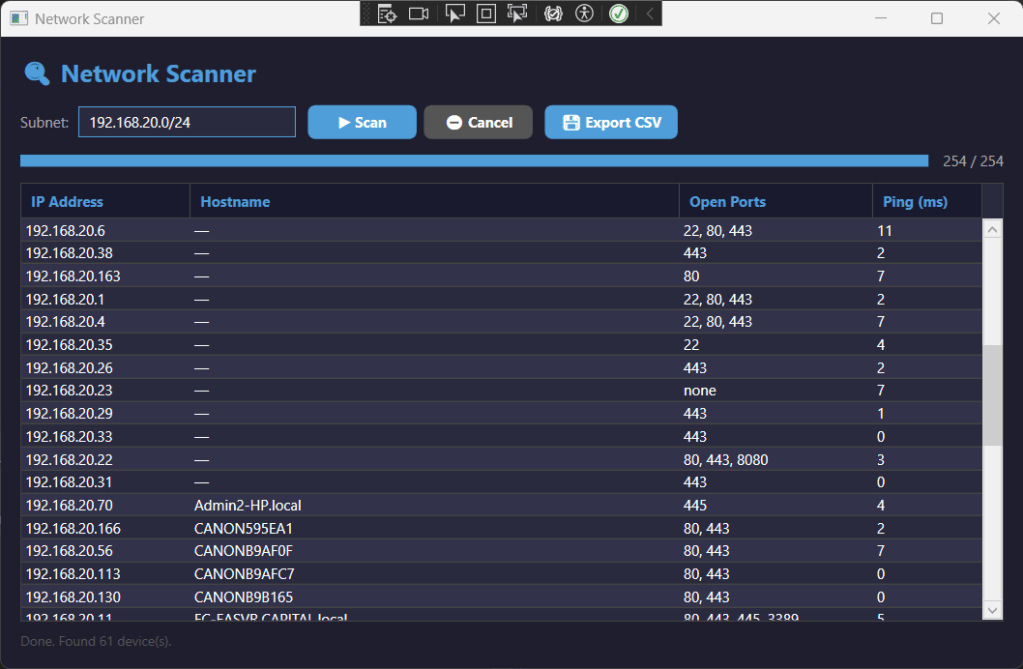
You be the judge –

You can download the step by step guide and the code below:

Download Here